The Haunt Mini-Quest

Quest Info

For this event, players needed to interact with the purple camera button on the right of their screen to take captures and submit them to The Haunt event hub for avatar prizes & for players to vote on. After taking a capture, a new screen would pop up so you could choose what type of category you'd think the capture would best fit into. You could then click submit, and it would be sent to the event hub almost instantly. Players could only submit one capture per day.
Gallery
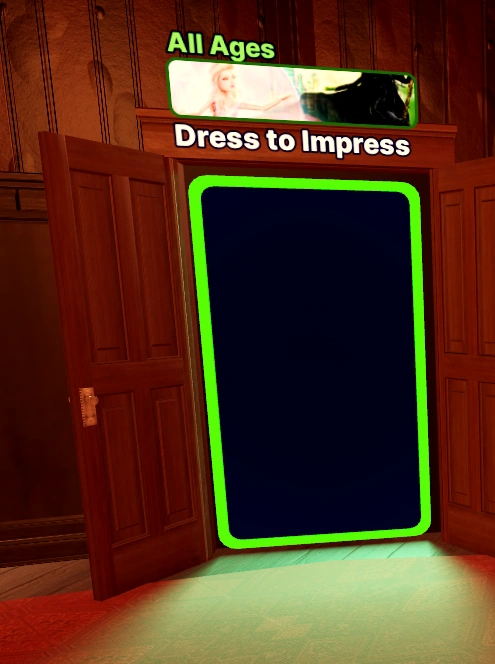
The portal to Dress To Impress in the event hub.
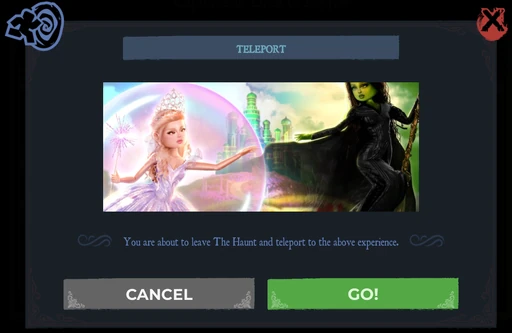
Teleport UI in the hub after clicking the teleport.
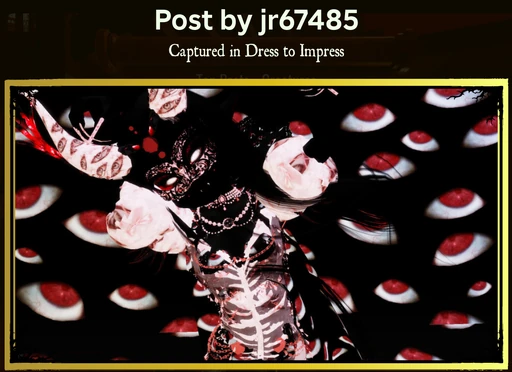
An example of a submitted capture.
The event logo for The Haunt.
DTI's Capture Button during the event.
Roblox's capture button during the event.

DTI's Capture Button after the event.